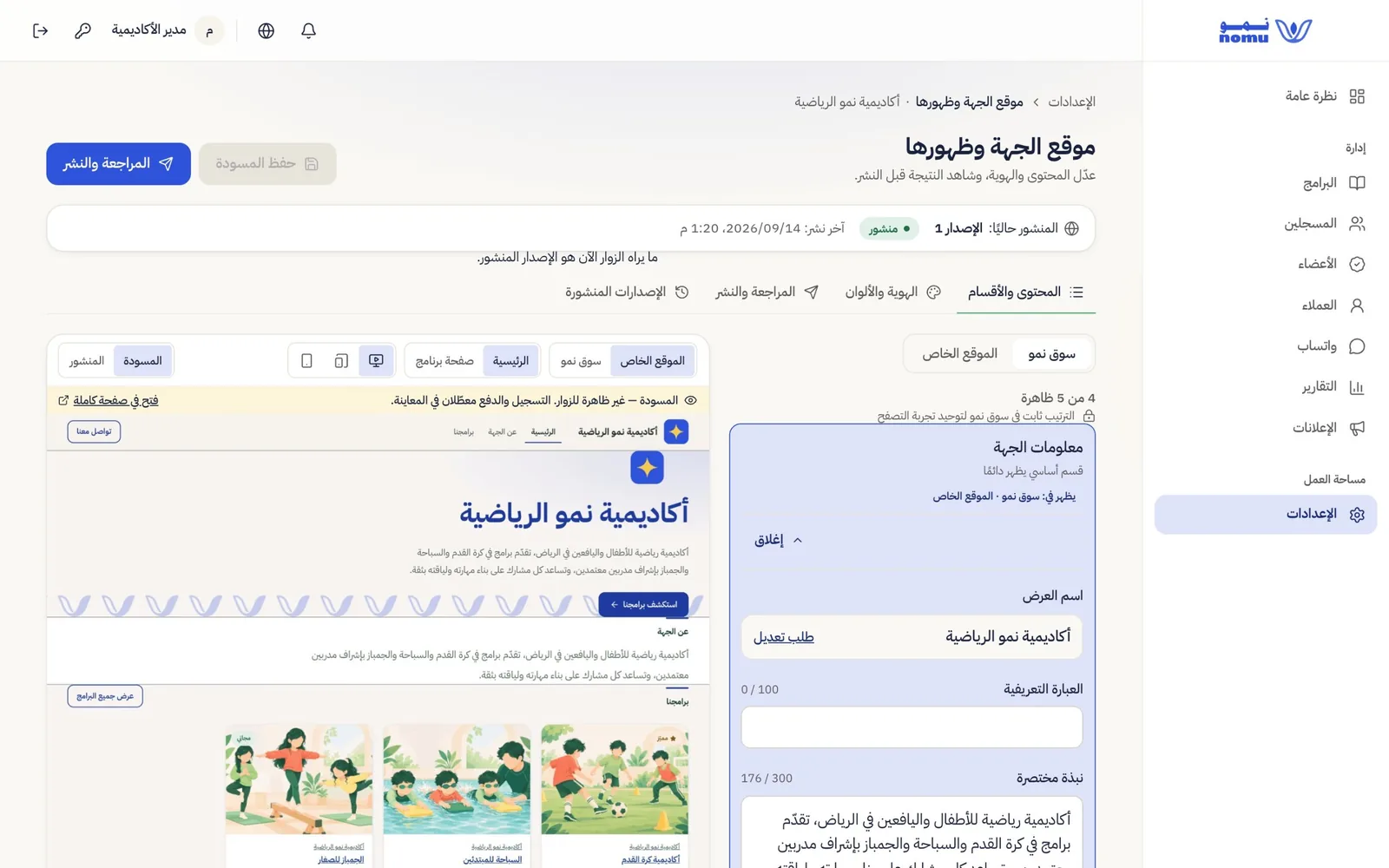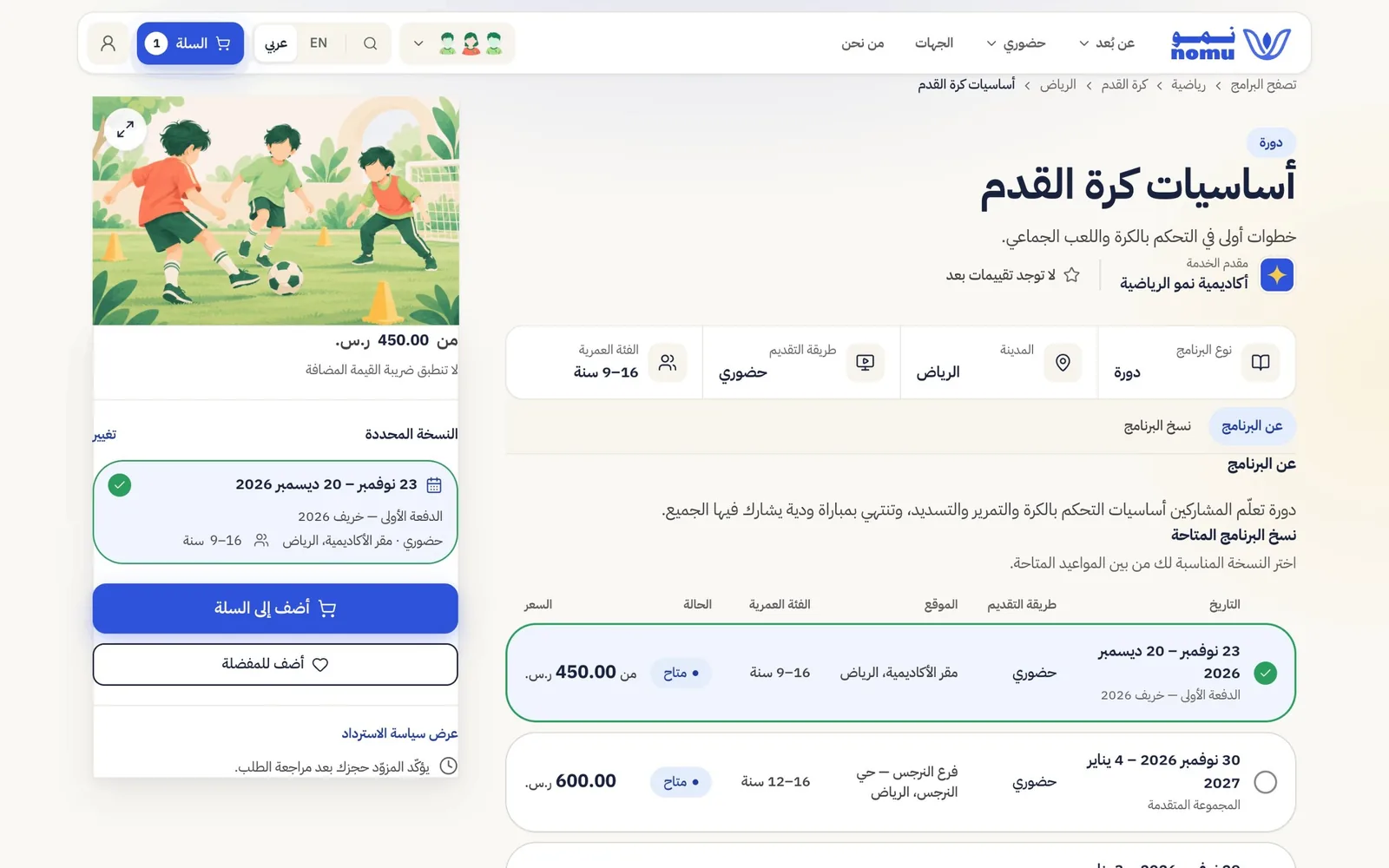
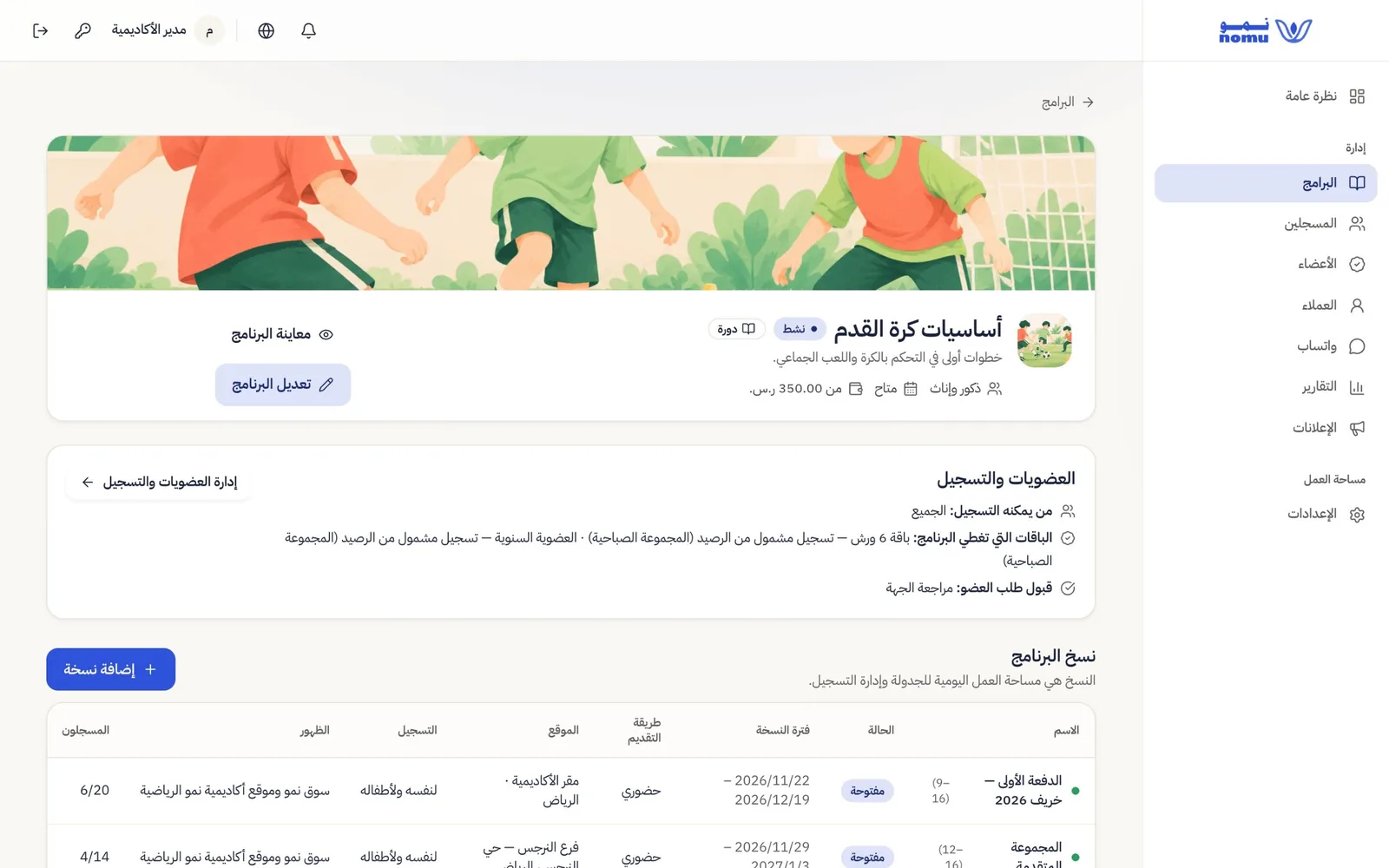

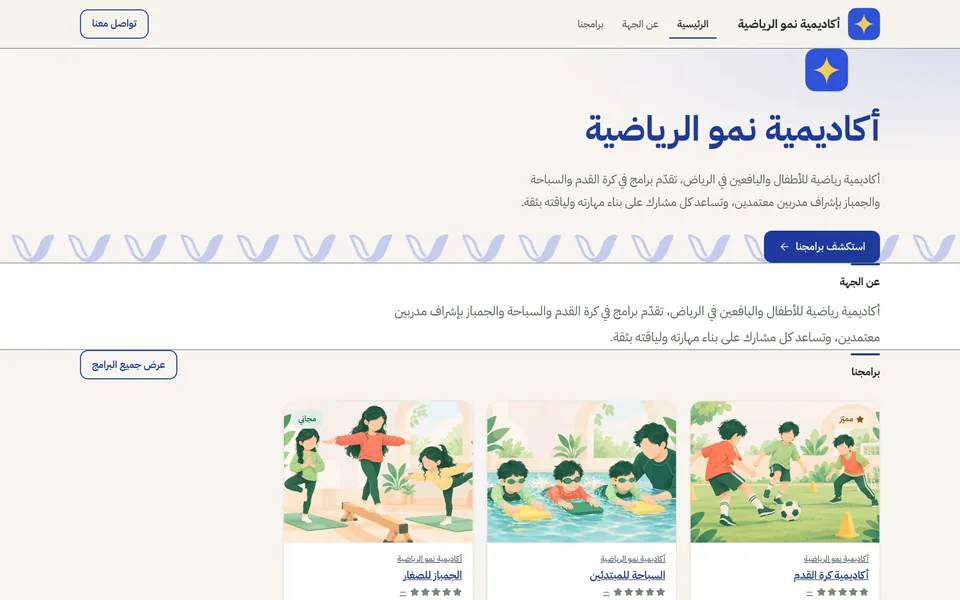



Edit your organization page and see the result before publishing
Edit the content, sections, brand and colors, and check the preview on mobile and desktop. Visitors see no change until you publish it.


Nomu for organizations
A page in your own brand where parents register, a shared WhatsApp inbox for your team, and attendance and reports for every program, all in one organization dashboard.

Who is Nomu for?
One child discovers the joy of playing with others, another finds a passion in a science experiment, and a young person learns how to lead a team. With every new experience their interests widen, their skills grow, and they learn more about themselves and the world around them.
This is the Nomu generation we look forward to: a generation that grows up trying, learning and taking part, with many kinds of real experiences as part of everyday life.
If you offer activities for children and young people aged 1 to 18, Nomu helps you reach families, organize registrations and run your programs, so you can give more time to the experiences you offer.
You can show them on your own branded page, and take registrations and subscriptions and manage payments for all your activities, including those for people over 18.
Practical tools for organizations running programs for children and young people, from a program's first appearance to its last session.

A page for your organization and one for every program, shown on the Nomu marketplace and on your own site.

The parent picks the right edition and sends a request; you review and confirm it from the organization dashboard.

A list for every session, and an attendance rate that shows up in your reports right away.
Registrations, attendance and sessions held for every program and period, compared with the previous period.
A family sees an activity on Instagram, asks about it on WhatsApp, or gets in touch with you directly. Share your page link so they find the programs, ages and schedules, choose what suits their children and send a registration request. The request reaches your team to review and confirm.


Your page, your brand
Everything a family needs to choose the right activity

And registration starts here
From Instagram
You post a glimpse of your activities and the family wonders about the right age, the schedule and the fees. Point them to your page through the link in your profile or story, so they can see the details and start registering.
From WhatsApp
The family asks about a suitable activity and you share the program link. They find the details, pick a time and send their request, which reaches your team in the organization dashboard.
From a phone call
You explain the program and answer their questions, then send your page link through the right channel. The family comes back to the details and completes registration when it suits them.
From a visit
The family visits and sees the place and the activities. You share your page link so they choose the program and time and fill in the registration from their phone, during the visit or afterwards.
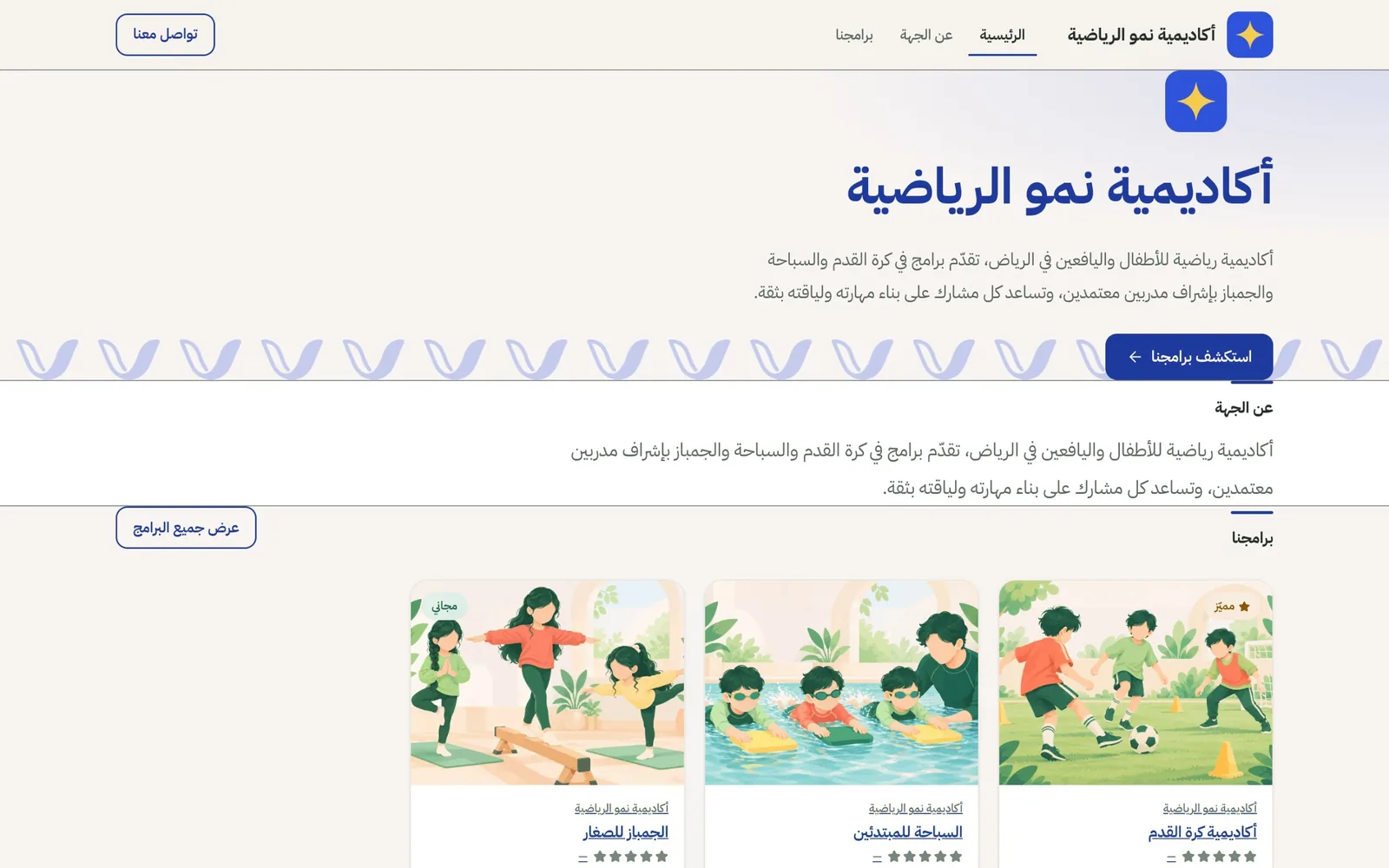
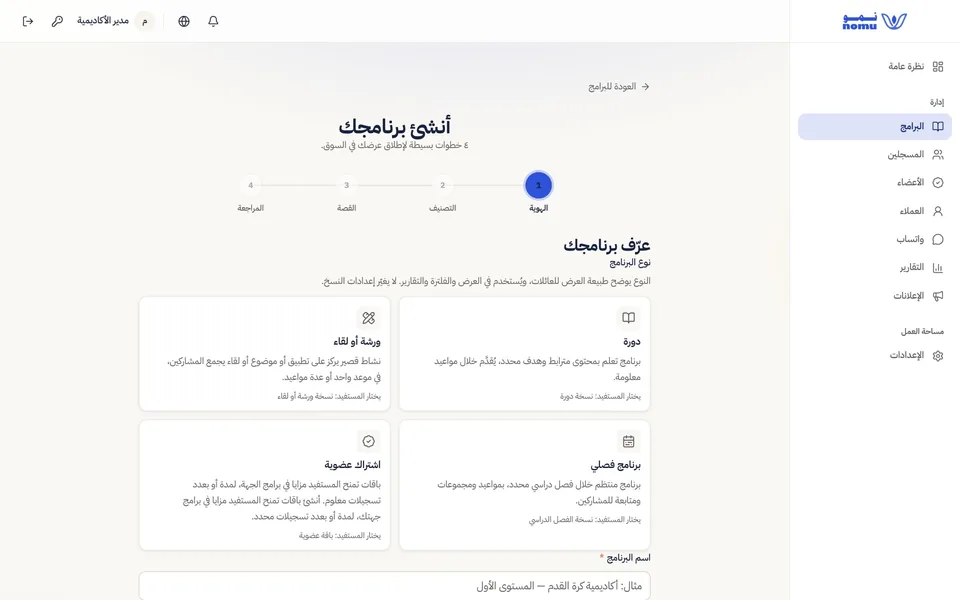
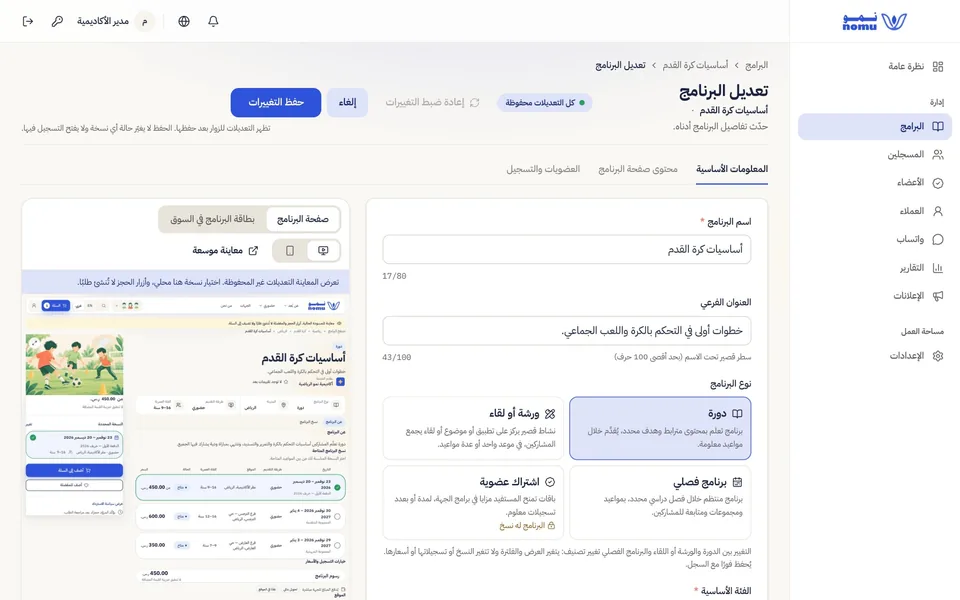
Real screens from the organization dashboard. Edit your page, add your programs, and see what parents will see before you publish.
Edit the content, sections, brand and colors, and check the preview on mobile and desktop. Visitors see no change until you publish it.


Identity, then category, then story, then review. And choose its type: a course, a workshop, a term program, or a membership.

Edit the name, description and program type, and see its page and marketplace card before saving.

Every program has editions with different times, locations, age groups and prices. The parent compares them and pays online with mada, Visa, Mastercard or Apple Pay, or by other methods you accept, such as bank transfer.
The program provider confirms the booking after reviewing the request, so seats stay under your control.
From the first WhatsApp messageto the last session of the programyour organization works from one place
A simplified organization dashboard with sample data. Click around and try it; nothing here is saved or sent.
The parent sends a request from the program page and it reaches you with its status and details. Review and confirm it, or move it to the waitlist when seats are full.
Try it: open a request awaiting review and confirm it.
Pick the session and record each participant's check-in and check-out; the attendance rate in your reports updates right away.
Try it: check a participant in, then out.
Parents' messages to your organization's WhatsApp Business number arrive in one inbox. Assign each conversation to the right team member, and keep track of what is not assigned yet.
Try it: pick an unassigned conversation, then “Assign to”.
Follow registrations, attendance and sessions held by period and program, compared with the previous period, and share the dashboard with management.
Try it: change the period or program and watch the numbers.
Add team members, and set the programs each member works on and what they can do there.
Try it: give Khaled a new program and turn on a permission.
Assigned programs
Permissions
Khaled Al-Harbi works on “Swimming basics”, and can: Follow participants and Record check-in and check-out.
Connect your WhatsApp Business number via Meta, use approved message templates, and show your programs on the Nomu marketplace and on your own site.
Try it: press “Test connection”, then open a template.
Templates approved by Meta
The Nomu team stays with you through setup, from preparing the organization account and connecting WhatsApp to publishing your first program.
Try it: tick off finished steps and follow the progress.
From the first conversation to running and following your programs.
After we talk, we verify your details and set up your account.
Details, brand, roles and permissions.
Programs, their editions, schedules and details.
Reviewing and confirming requests and managing seats.
Attendance, conversations and reports.
Create your programs, receive family registrations, follow your beneficiaries and run your team's work from one place.
An organization starting to show its programs on the Nomu marketplace
Not available yet
Nomu commission on paid registrations
An organization running its programs and registrations through a branded site and its team
or 5,999 SAR a yearVAT included
Nomu commission on paid registrations
An organization with several branches, or one that needs integrations and advanced operations services
Nomu commission on paid registrations
Nomu's commission is charged on paid registrations according to where the registration came from. Payment provider fees and any applicable taxes are separate from Nomu's commission and are set out in the terms of service and invoices.
An organization starting to show its programs on the Nomu marketplace
Nomu commission on paid registrations
An organization running its programs and registrations through a branded site and its team
Nomu commission on paid registrations
An organization with several branches, or one that needs integrations and advanced operations services
Nomu commission on paid registrations
Prices are in Saudi riyals.
A detailed comparison of what your organization gets in each plan, grouped by category.
| Feature | LaunchFree | GrowthSAR 699 / monthVAT included | BusinessContact us |
|---|---|---|---|
| Limits and capacity | |||
| Branches | 1 | 1 | 3 |
| Organization team users | 5 | 20 | Unlimited |
| Active programs | 5 | 10 | Unlimited |
| Visibility and registration | |||
| An organization page on the Nomu marketplace | Included | Included | Included |
| Create programs, receive registration requests and manage their status | Included | Included | Included |
| Accept payments online | Included | Included | Included |
| A standalone branded site where families register directly | Not included | Included | Included |
| Team and beneficiaries | |||
| Assign team members to programs and manage operations | Included | Included | Included |
| Beneficiary relationship management (CRM) and records | Included | Included | Included |
| Membership programs and recurring subscriptions | Not included | Not included | Included |
| Communication | |||
| Beneficiary notifications by email or WhatsApp | Not included | Included | Included |
| A shared WhatsApp inbox for beneficiary conversations on your number | Not included | Included | Included |
| Site and domain | |||
| Manage your site's pages and content (CMS) | Not included | Not included | Included |
| Connect your site to your own domain name | Not included | Not included | Included |
| Integration and onboarding | |||
| APIs and integration with your existing systems | Not included | Not included | Per the agreed integration scope |
| Moving your existing beneficiary records | Not included | Not included | Included |
| Helping your team set up the first programs | Not included | Not included | Included |
If you don't find the answer here, ask us directly in the contact form.
Every organization offering activities for children and young people aged 1 to 18.
Yes. Through your own branded page you can show activities for all ages and take registrations and subscriptions and manage payments from the organization dashboard, including activities for people over 18.
No. Edits are saved as a draft you check in the preview, and visitors only see them after review and publishing. Visitors keep seeing the published version until you publish the new one.
Yes. Your organization's WhatsApp Business number is connected via Meta, and its conversations arrive in a shared inbox in Nomu that you assign to team members, with approved message templates for registration confirmations and session reminders.
A course, a workshop, a term program, and a membership. Every program has editions with different times, locations and age groups, in person or online.
Online payment is available in every plan, so parents pay when they register with mada, Visa, Mastercard or Apple Pay. You can also accept other methods for each program, such as bank transfer or cash on site.
It is charged on paid registrations according to their source: registrations brought by the Nomu marketplace, or direct registrations from your site or approved link, and the rate depends on the plan. It is 0% for nonprofit associations. Payment provider fees and any applicable taxes are separate from Nomu's commission and are set out in the terms of service and invoices.
Yes. You save your dashboards and share them with team members or by an external share link, and you can download export files.
Sending the request starts the conversation. After reviewing the information we contact you to discuss your needs and the joining requirements before the account is set up.
Tell us about your programs and needs, and the Nomu team will contact you to find the right next step.

Already have an organization account? Organization sign-in